MCP是什么
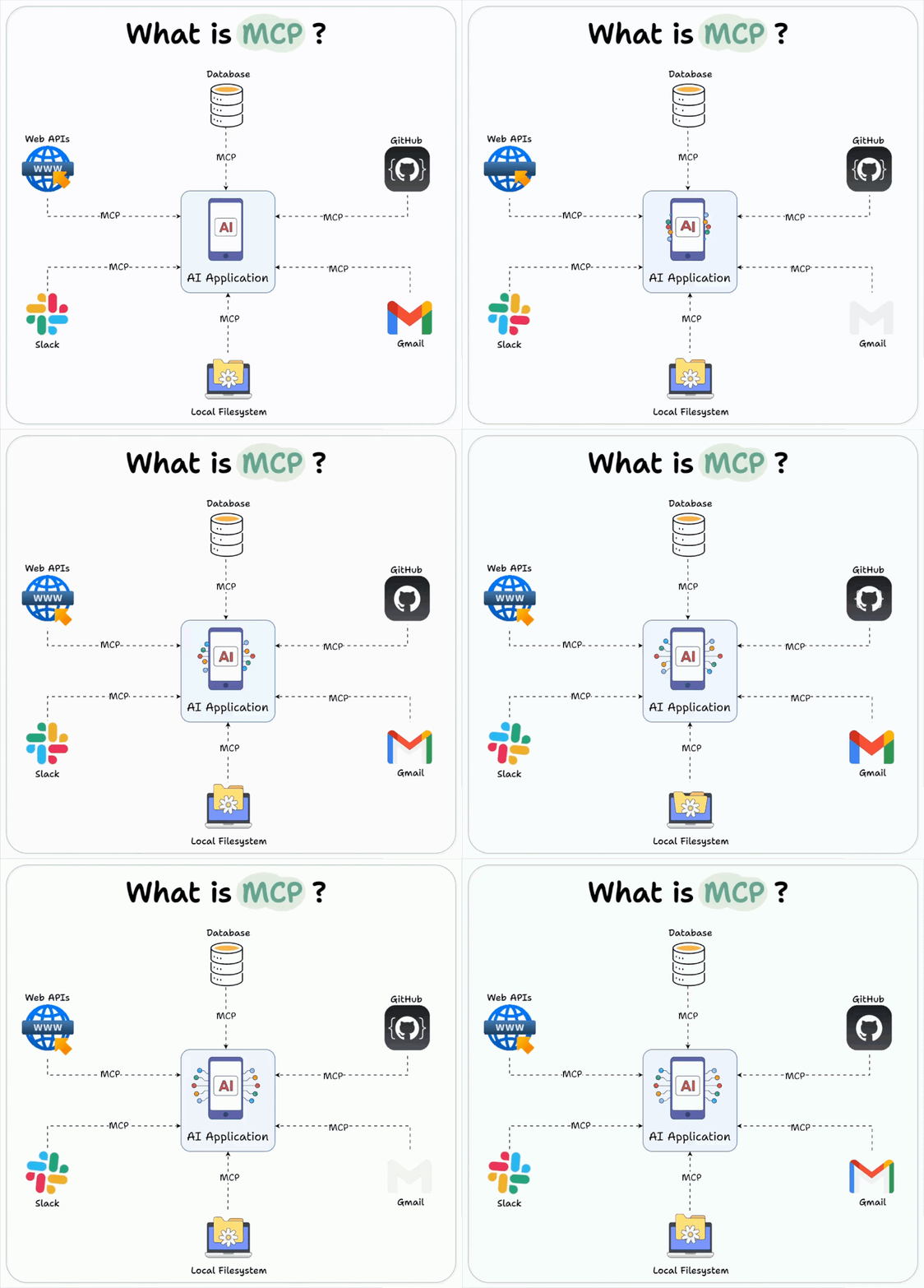
MCP是一个接口协议,用于将应用、函数、数据库等封装为AI智能体可调用的工具。
MCP的构建
以python为例,构建MCP的步骤如下:
from mcp.server.fastmcp import FastMCP

mcp = FastMCP("vae-diffusion-anomaly")

#注册工具
@mcp.tool()
def detect_anomaly(
    values: list[float],
    normalize: bool = True,
    config_path: str = "configs/config.yaml",
) -> str:

    """核心函数,用于检测时序是否存在异常"""
    return results

if __name__ == "__main__":
    mcp.run()
或者:
from mcp.server import Server
from mcp.server.stdio import stdio_server
from mcp.types import Tool, TextContent
#命名
server = Server("vae-iF-anomaly")
#定义
@server.list_tools()
async def handle_list_tools() -> list[Tool]:
    return [
        Tool(
            name="detect_anomaly",
            description="检测时序是否存在异常",
            inputSchema={},
        ),
        Tool(
            name="get_model_info",
            description="获取模型配置信息",
            inputSchema={},
        ),
    ]
#调用说明
@server.call_tool()
async def handle_call_tool(name: str, arguments: dict) -> list[TextContent]:
    try:
        if name == "detect_anomaly":
            return await _handle_detect_anomaly(arguments)
        elif name == "get_model_info":
            return await _handle_get_model_info(arguments)
        else:
            return [TextContent(type="text", text=f"Unknown tool: {name}")]
    except Exception as e:
        return [TextContent(
            type="text",
            text=f"Error executing '{name}': {e}\n\n{traceback.format_exc()}"
        )]
#具体步骤
async def _handle_detect_anomaly(arguments: dict) -> list[TextContent]:
    """ 具体步骤"""
    return[]

async def _handle_get_model_info(arguments: dict) -> list[TextContent]:
    """ 具体步骤"""
    return[]

if __name__ == "__main__":
    async with stdio_server() as (read_stream, write_stream):
        await server.run(
            read_stream,
            write_stream,
            server.create_initialization_options(),
        )
MCP的配置
以codebuddy为例,配置本地MCP
{
  "mcpServers": {
    "vae-diffusion-anomaly": {
      "command": "/path/to/conda/path/bin/python",
      "args": [
        "/path/to/subject/mcp_server.py"
      ]
    }
  }
}
即配置conda环境变量(command),并指定MCP执行文件的路径(args)。
远程MCP的配置
{
  "mcpServers": {
    "vae-diffusion-anomaly": {
      "url": "http://xx.xx.xx.xx:port/sse"
    }
  }
}
BISHENG平台
{
    "mcpServers": {
      "vae-diffusion-anomaly": {                                                                                                                      "description": "",
        "url": "http://xx.xx.xx.xx:port/sse",
        "headers": {
          "Host": "localhost:port"
        }
      }
    }
  }
类似api的配置,指定MCP的url即可。注意,codebuddy暂不支持sse模式(截止2026-07-02)。